

Billing and Payment
How do I cancel my subscription?
How to cancel your Reclaimr subscription yourself, or with help from support.
Updated Oct 12, 2026
You can cancel your Reclaimr subscription yourself at any time from your billing portal — or email support@reclaimr.ai and we'll take care of it for you.
Cancel it yourself
- Open your billing portal. In Reclaimr, an owner, admin or manager clicks the card icon at the top of the page: it opens your billing portal (or the Billing page, where you click Manage billing & invoices). You can also open it directly: your billing portal. Billing is handled by Stripe, our payment processor.
Under Current subscription, click Cancel subscription.
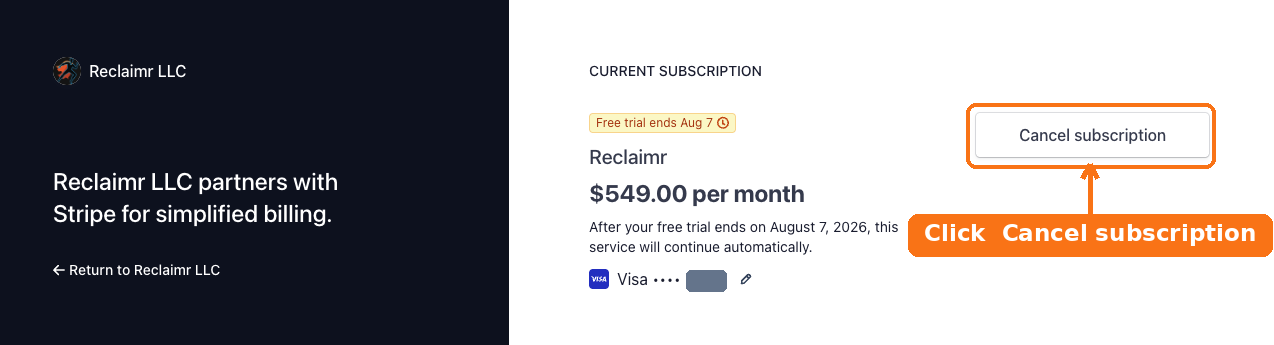
Follow the prompt to confirm. Your plan stays active until the end of the period you have already paid for (or the end of your free trial), and then it will not renew.
Prefer we handle it? Just email support@reclaimr.ai.