

Billing and Payment
How do I change the card on my subscription?
How to switch your subscription to a different saved card.
Updated Oct 12, 2026
You can switch your subscription to a different card you have already saved. To add a brand-new card first, see How do I add a new card?
- Open your billing portal. In Reclaimr, an owner, admin or manager clicks the card icon at the top of the page: it opens your billing portal (or the Billing page, where you click Manage billing & invoices). You can also open it directly: your billing portal. Billing is handled by Stripe, our payment processor.
Under Current subscription, click the pencil next to your card.

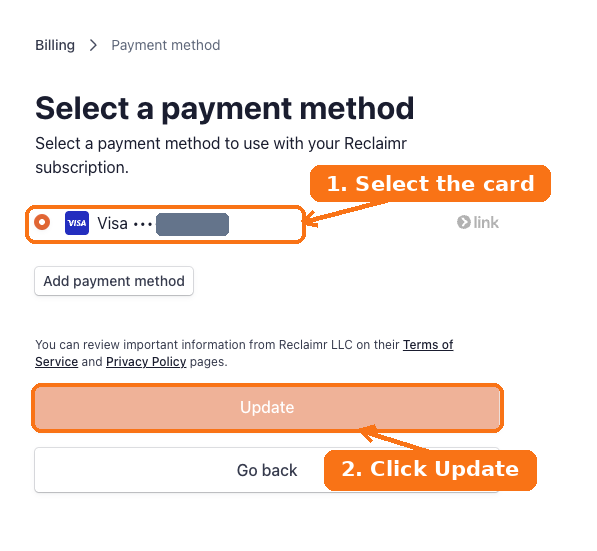
Select the card you want to use, then click Update.
For your security, we cannot take or change card details over the phone or by email.