
What is Hero Connect?
Learn about the Hero Connect app, when to download it, and how it fits with Reclaimr.
Updated Jun 4, 2026
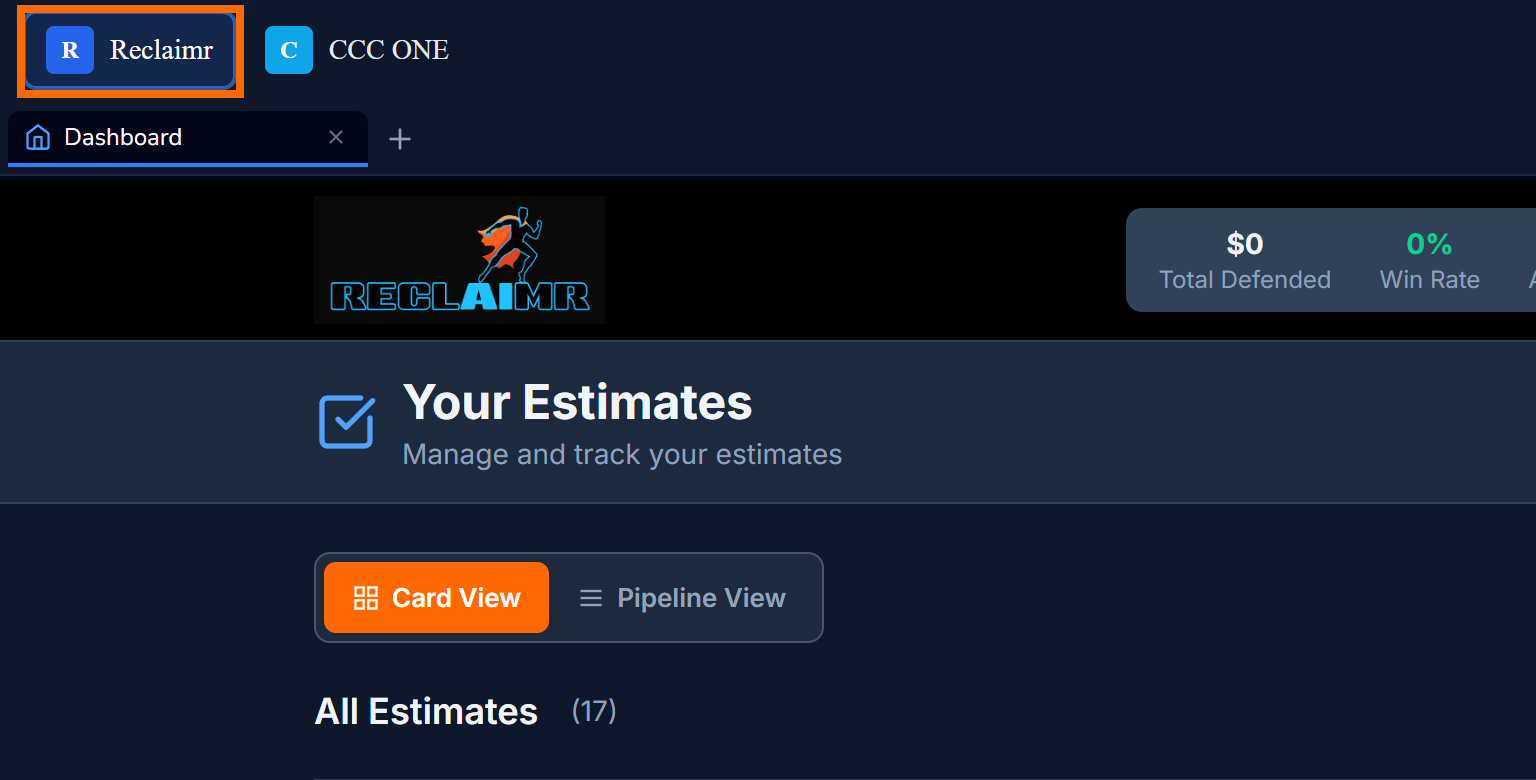
Hero Connect is our desktop application. Install Hero Connect on the computer where estimates are written to give Reclaimr a shop-approved connection to that workflow.
You can still use Reclaimr in a regular browser. Hero Connect is for shops that want connected estimating-system workflows and a faster desktop workflow around each case.
What Hero Connect does
Hero Connect helps your shop:
- Open Reclaimr in a dedicated shop-computer window.
- Import estimate PDFs from a connected estimating system when your shop has approved that connection.
- Show the current case checklist in a side panel while you work.
- Let you drop OEM repair-procedure PDFs onto the case from the shop computer.
- Stay current automatically as Hero Connect updates.
Why download it
Download Hero Connect when you want fewer manual file steps. Instead of saving estimate PDFs, switching browser tabs, and uploading documents by hand, Hero Connect keeps Reclaimr close to the estimating computer and supports the connected import workflow.
When regular browser is enough
If you are only creating cases and uploading PDFs manually, app.reclaimr.ai in a browser is fine. You can install Hero Connect later when you want the shop-computer workflow.
What Hero Connect does not do
- It does not replace your estimating system.
- It does not change your Reclaimr login. Use the same email and password you use at app.reclaimr.ai.
- It does not send changes back to your estimating system just because it is installed. Any estimating-system sync stays separate and user-approved inside Reclaimr. See Connecting your estimating system for setup instructions.
Install Hero Connect
Hero Connect is currently a Windows shop-computer app. Follow How do I install Hero Connect on Windows? to download, install, and sign in.